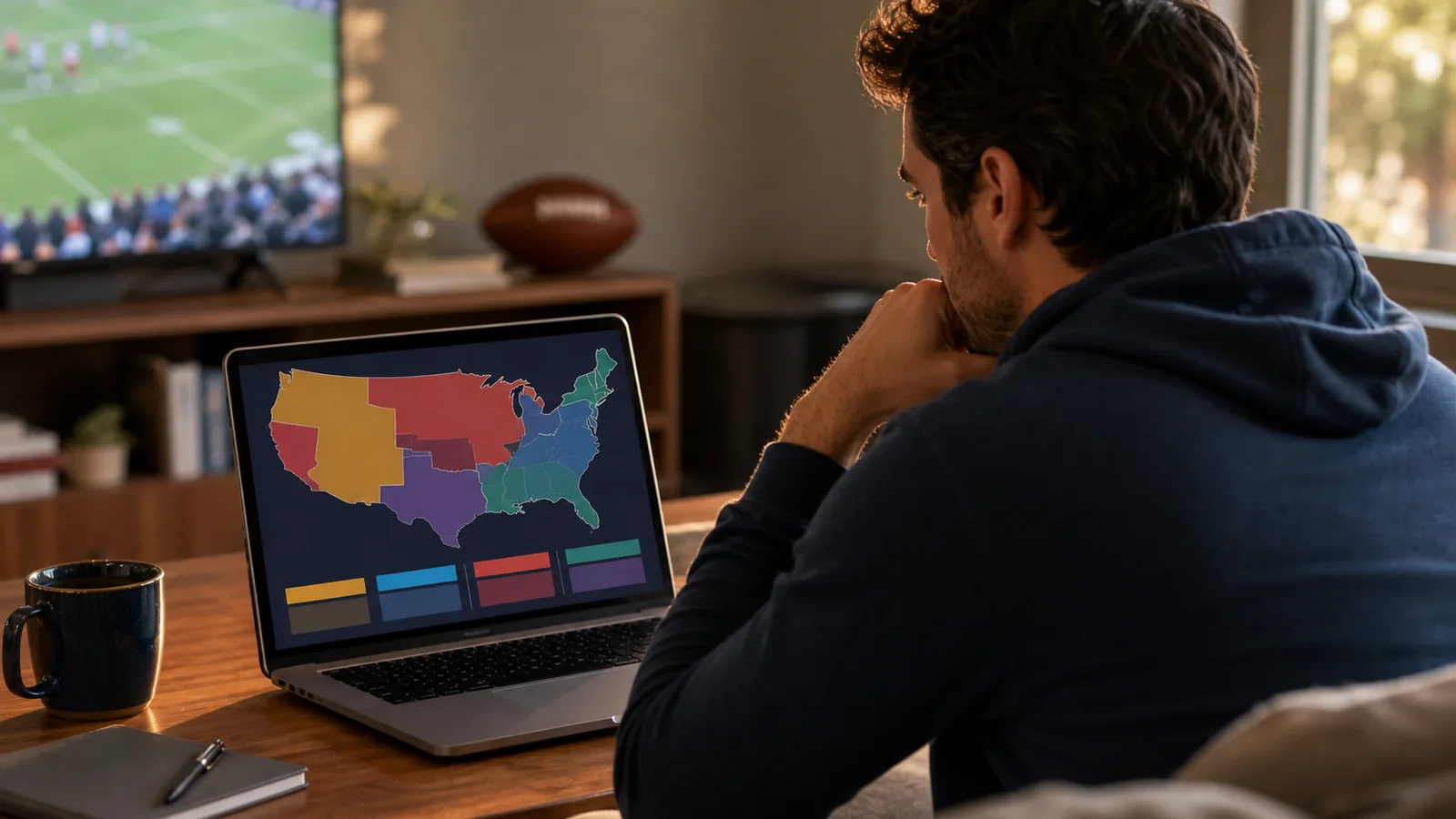
What an NFL TV Coverage Map Actually Tells You
An NFL TV coverage map shows which Sunday-afternoon game a local CBS or FOX affiliate is expected to carry in each part of the United States. To use one, choose the map for the correct week and network, find your location, match its color to the game in the legend, and check whether that game is in the early or late window. Then confirm the result in your provider's on-screen guide or the local station listing before kickoff. That last check matters because a preliminary map can change and because a national network schedule is not a promise that every listed game will appear in every city.
The map is best understood as a regional feed guide. On a busy Sunday, CBS and FOX may each have several games, yet your home receives only the feed assigned to your local affiliate in each available window. The shaded region answers the practical question, ?Which game should be on my CBS or FOX station?? It does not show every legal stream, guarantee antenna reception, or unlock a different regional feed.
Start with the site's NFL schedule this week to identify the date, kickoff time and listed network. Then use the NFL TV schedule to separate regional Sunday games from nationally distributed windows. If your preferred Sunday-afternoon game is not the local CBS or FOX selection, it is generally an out-of-market question, which is where NFL Sunday Ticket may become relevant. The sections below show how to read the map before making that decision.
How to Read the CBS and FOX Maps in Five Steps
- Confirm the week and date. A coverage map is a weekly snapshot. A color used in Week 3 has no connection to the same color in Week 4, so discard old search results before reading the legend.
- Choose CBS or FOX. Read the network printed above the panel, then compare it with the network listed for the game. A CBS color key cannot tell you what is on your FOX affiliate.
- Identify the window. Look for ?early,? ?late? or ?single.? A doubleheader network normally has separate early and late assignments. A single-game map may combine both windows and mark certain legend entries as late.
- Locate your viewing area. Find your city or county as carefully as the map resolution allows. If you live near a color boundary, do not guess from the nearest large city; proceed directly to your local listing.
- Match the color to the legend. The legend translates the shade into a matchup, kickoff time and often an announcing crew. Confirm that exact program in your TV guide or local station schedule.
| Map element | What it means | Common mistake |
|---|---|---|
| Panel heading | The network and broadcast window | Reading a FOX region against the CBS key |
| Colored region | The expected feed in that geographic area | Assuming an entire state always receives one game |
| Color legend | The matchup assigned to that shade | Reusing the color meaning from another panel or week |
| ?LATE? label | A late-window game on a combined single-game map | Expecting both an early and late game on that network |
| Announcer names | The crew assigned to that broadcast | Treating the top crew as proof of nationwide coverage |
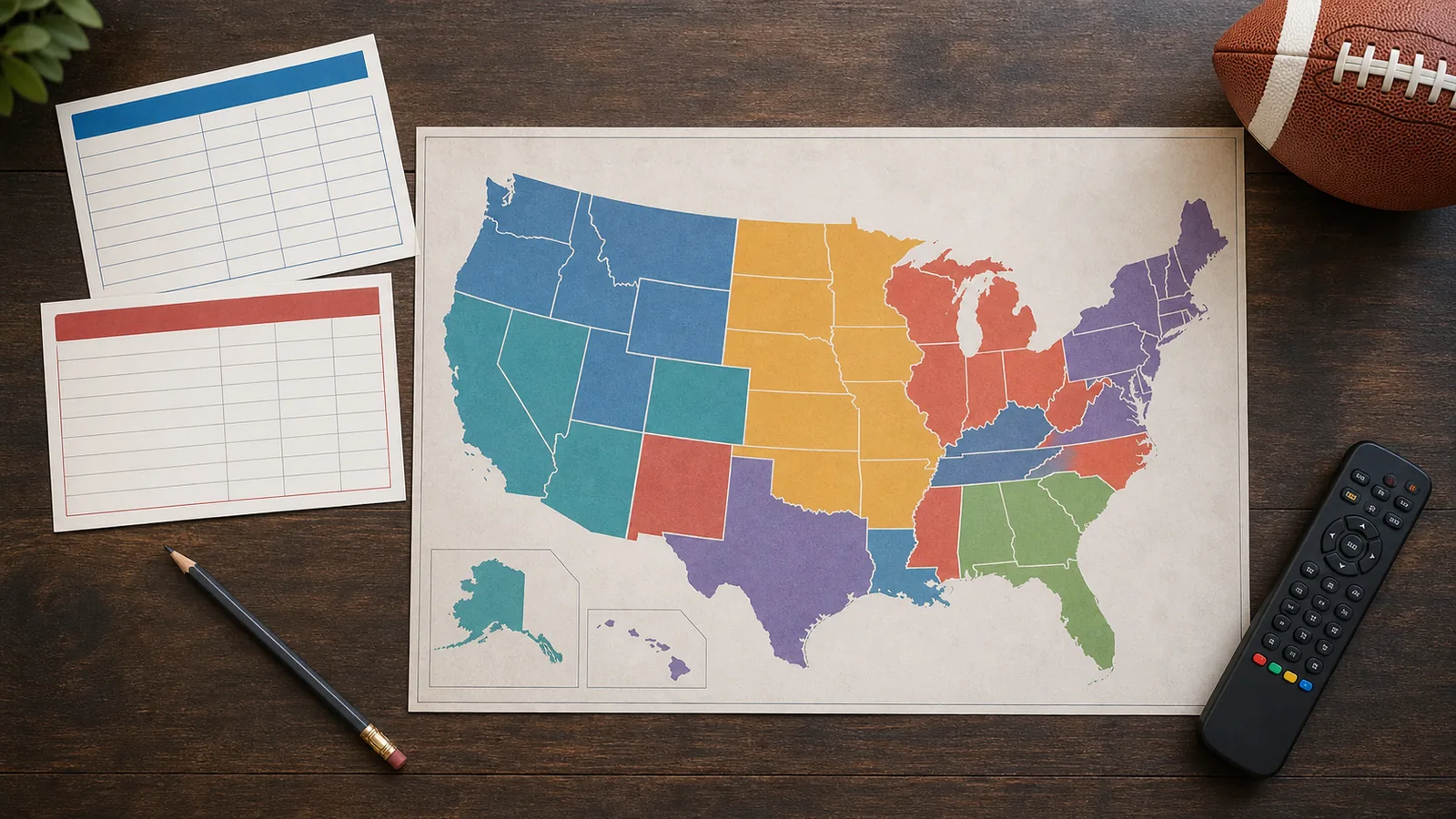
For current network listings, compare the map with the site's NFL games on CBS and NFL games on FOX pages. Those pages establish which games belong to each network and when they start; the map narrows that inventory to the regional feed expected at your location. If the two appear inconsistent, check the dates first, then trust the latest local guide rather than a cached image.
Why CBS or FOX Gets a Particular Sunday Game
The traditional starting point is still useful: CBS maintains the NFL's AFC-focused Sunday-afternoon package, while FOX maintains the NFC-focused package under the league's long-term media agreements. That history explains why many AFC matchups appear on CBS and many NFC matchups appear on FOX. It is no longer an absolute prediction rule, however. The NFL can cross-flex selected games between the networks, and the published schedule now includes all-NFC games on CBS and all-AFC games on FOX.
For viewers, the practical hierarchy is simple. First read the network assigned on the current schedule; do not try to derive it from the visiting team's conference. Next, look at the weekly map to see which game from that network's inventory reaches your area. A local club's game is a major driver in its home market. Beyond that, regional interest can reflect nearby teams, division rivals, established fan bases and the appeal of the available matchups. Network inventory and the doubleheader window also matter because the networks want their strongest games in prominent positions.
Those factors explain patterns, but they are not a public formula for predicting every patch of color. The NFL's scheduling operation balances teams, fans and media partners across 272 regular-season games, and the networks work with local affiliates on regional distribution. A small market that looks surprising on a map may reflect a local-team obligation or a particular regional interest that is not obvious from distance alone.
The safe approach is to treat conference alignment as background knowledge, not a viewing guarantee. Check the network printed on the official schedule, then the current map, then the affiliate listing. If you follow one club, the NFL schedules by team directory is the quickest way to confirm its date, kickoff window and assigned network before you consult a regional map.
Singleheader vs. Doubleheader: Why the Number of Maps Changes
On a typical Sunday, one of the two regional networks has a doubleheader package: an early game and a late game in a market. The other has a single-game package, meaning its local affiliate carries one regional game?either early or late?not both. That is why one network may have two map panels while the other has one combined map. It also explains why a blank part of your afternoon guide is not necessarily a provider error.
| Package shown on the map | What a market normally receives | How to read it |
|---|---|---|
| Doubleheader | One early game and one late game on that network | Use separate early and late maps when provided |
| Single game | One game on that network, placed in the early or late window | Use the combined map and watch for a ?LATE? label |
| Both networks with doubleheaders | More regional windows than on a normal Sunday | Verify the week's special arrangement rather than applying the usual pattern |
The kickoff time is a useful clue. Early Sunday games usually begin at 1:00 p.m. ET. A late game on the single-game network is commonly scheduled for 4:05 p.m. ET, while the featured late window on the doubleheader network is commonly 4:25 p.m. ET. The NFL moved the doubleheader window later to reduce the chance that an early game still in progress collides with the start of the featured late broadcast.
Do not convert those common times into an inflexible rule. International games, holidays, flex scheduling and special network arrangements can alter a week's shape. The map heading and the current NFL TV schedule are more authoritative for your planning than a memorized pattern.
A frequent mistake is to count every CBS or FOX matchup in a national schedule and expect that many games on one local channel. The inventory may include six games, but a single-game affiliate still selects only its assigned feed. The map is what translates the national inventory into the one- or two-game experience available in your market.
Why Your ZIP Code, Affiliate or Travel Location Can Change the Game
Regional NFL distribution follows television markets and local affiliates, not state borders or a fan's favorite team. A designated market area groups counties around a television market, but real viewing is also shaped by which affiliate your provider carries and, for an antenna, which station signal you can receive. Two homes near a market boundary can therefore have different channel lineups or a different CBS/FOX assignment even when they are geographically close.
A ZIP code is useful because cable and streaming providers use it to estimate the correct local lineup. It is not a universal master key that independently decides the game for every service. A provider's channel-lookup result, the affiliate's own schedule and the current weekly map give a better combined answer than any one ZIP search. If the map boundary is too small to resolve your county, identify the call sign of your CBS or FOX affiliate and check that station directly.
Travel adds another layer. YouTube TV's support guidance says that local affiliate channels available while traveling are based on the viewer's current location. Its account settings distinguish a home area tied to the residence ZIP code from a current playback area tied to physical location. That means a fan who leaves Boston for Dallas should expect the local CBS and FOX feeds?and the classification of Sunday Ticket games?to follow the current playback area, subject to the service's rules.
- If an app shows the wrong local game, confirm that location permission is enabled and that the current playback area is accurate.
- If cable and the map disagree, check whether the map is newer than the provider guide and verify your affiliate's schedule.
- If antenna reception differs from the map, rescan channels and remember that a distribution assignment cannot guarantee reception quality.
- Do not use a VPN or false location to work around restrictions; streaming platforms require accurate location information.
Use the NFL games today page to confirm the day's matchups and listed networks, but use your actual local affiliate or provider listing to settle which regional feed reaches your screen.
How to Verify Your Game Before Kickoff
A coverage map is most useful as the middle of a verification chain, not the final word. Complete this check close to game day, and repeat the last two steps on Sunday if you first planned from an early-week screenshot.
- Confirm the current game record. Open the NFL schedule this week and verify the date, kickoff time and network. Late-season flex decisions can change a window or network, while Week 18 details are deliberately settled much later than the original schedule release.
- Open the newest map. Make sure its heading matches the same week, CBS or FOX, and the relevant early, late or single-game window. Avoid reposted images that omit update notes.
- Check the local affiliate. Search the station's schedule by call sign, or open the provider guide and move to kickoff time. NFL Support explicitly advises viewers to check local listings for availability.
- Verify the playback area. For a streaming TV service, confirm the device reports the correct location. If the app thinks you are in a different area, its local channels and Sunday Ticket classification can be wrong.
- Test access before the game. Confirm the channel tunes on your antenna or provider and that the correct account is signed in. This leaves time to rescan an antenna, refresh a guide or contact the provider without missing kickoff.
If the schedule and map disagree, consult the site's NFL schedule changes page and check the timestamps. If the map and provider disagree but the game record matches, the local provider or affiliate listing is the decisive evidence for what that service will deliver. If the stream alone is wrong, update the playback area and retry without a VPN or proxy.
Finally, separate ?not on my local channel? from a site-data issue. The NFL schedule data status page explains the site's update state; it cannot override a broadcaster's regional feed. Keeping those roles separate prevents a stale image, a location setting or an old kickoff time from becoming the wrong diagnosis.
When NFL Sunday Ticket Helps?and When It Does Not
NFL Sunday Ticket solves a specific problem: an eligible regular-season Sunday-afternoon game on CBS or FOX is not carried by the local broadcasts in your area. If your team appears in a different color region on the coverage map, Sunday Ticket is the service designed for that out-of-market feed. It is not a replacement for the local CBS or FOX affiliate assigned to your area.
| Game situation | Where to look |
|---|---|
| The game is assigned to your local CBS or FOX region | Your local affiliate or a live-TV plan that carries it |
| The eligible Sunday-afternoon game is outside your region | NFL Sunday Ticket |
| The game is nationally distributed or a digital exclusive | The network or service named on the schedule |
| The game is preseason or postseason | The listed local or national rights holder, not Sunday Ticket inventory |
The package type matters. Sunday Ticket purchased as a standalone YouTube Primetime Channel supplies the eligible out-of-market games, but it does not also provide the locally televised CBS or FOX game. A qualifying YouTube TV plan can provide local and national channels, while Sunday Ticket is an add-on for the out-of-market Sunday inventory. Always check the current plan's channel availability in your ZIP code because local affiliates can vary.
NFL+ is different again. NFL Support states that NFL+ offers live local and nationally televised games on phones and tablets, but it does not provide live out-of-market Sunday-afternoon games. Buying NFL+ therefore does not change the colored region assigned to your television market or substitute for Sunday Ticket when the desired Sunday game is outside it.
If Sunday Ticket marks a game unavailable, return to the map before assuming a technical failure. The game may be local and waiting on CBS or FOX, scheduled nationally in another package, or excluded because it is preseason, postseason, international or digitally exclusive. The complete NFL TV and streaming schedule provides the network context that the regional map alone cannot show.
NFL Coverage Map FAQ
What time are NFL coverage maps released?
Independent weekly maps commonly appear around midweek during the regular season, but there is no universal NFL-guaranteed publication time. Check the map's week, date and update note, then revisit it near Sunday because assignments are subject to change. For an immediate game-day check, use today's NFL games with your local listing.
Are 506 Sports maps official?
No. 506 Sports explicitly says it is not affiliated with any broadcaster or sports organization and that its maps are unofficial. It is a valuable, widely used guide, but your CBS or FOX affiliate and provider guide remain the final availability check.
Can a local station change the game shown on the map?
Regional assignments can change before game day, and a network may approve an affiliate adjustment. A station cannot simply offer every feed or change games on a viewer's request. If an updated map conflicts with an older screenshot, use the station's latest schedule and provider guide.
Why is my team's game unavailable on Sunday Ticket?
The most likely reason is that the game is carried locally in your area, which puts it on the local CBS or FOX feed instead of Sunday Ticket. Other exclusions include nationally televised, preseason, postseason, international and certain digital-exclusive games. Verify the schedule category before troubleshooting the app.
Does Paramount+ or FOX One show every regional feed?
No. CBS describes Paramount+ as showing the NFL on CBS broadcast available in your area, and FOX One includes regional Sunday matchups and local FOX stations. These services can deliver the regional game you are entitled to receive; they do not turn every simultaneous network game into a selectable national menu. Confirm the relevant CBS NFL schedule or FOX NFL schedule, then apply your local map assignment.
Comments