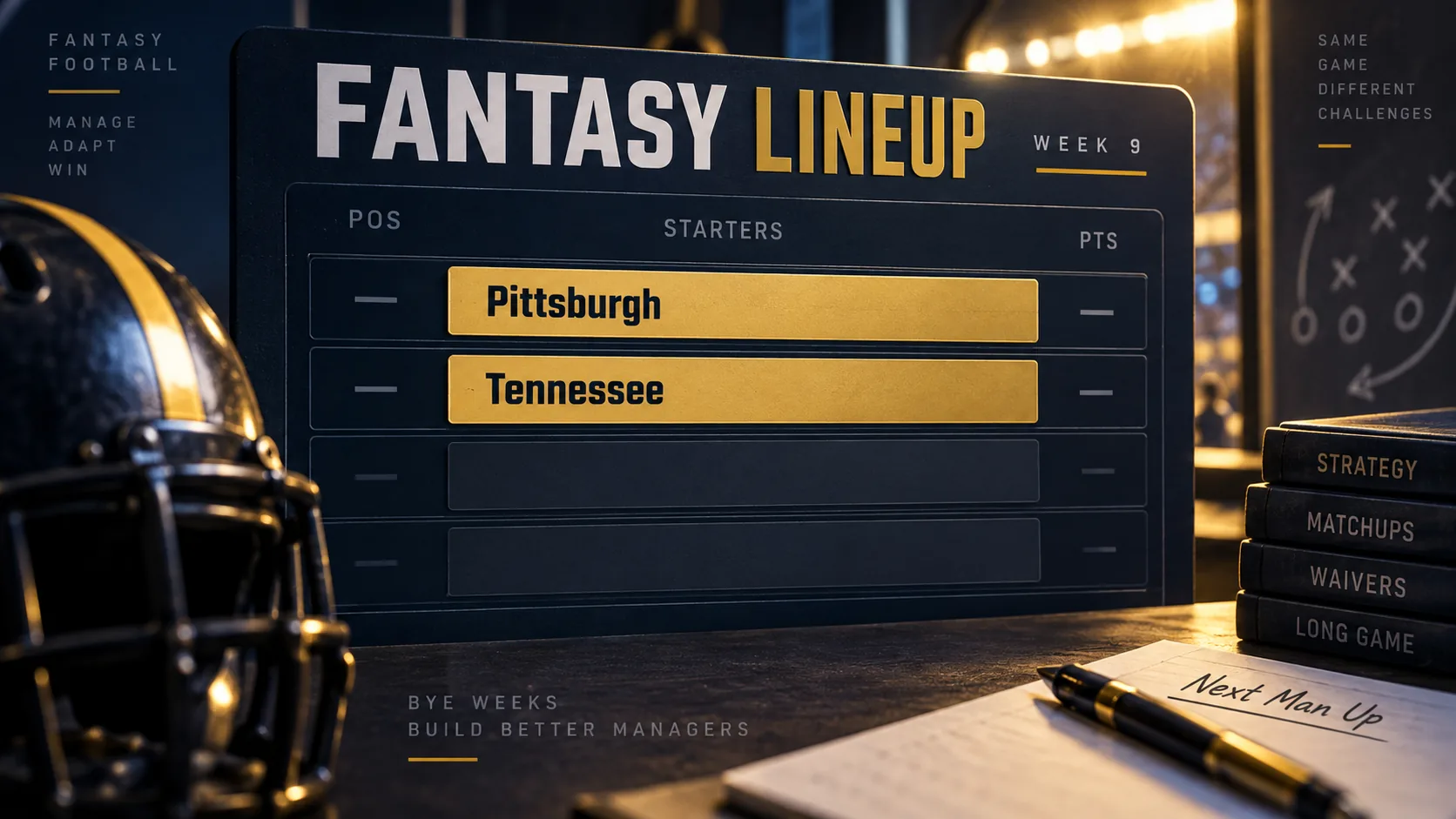
The Pittsburgh Steelers and Tennessee Titans are the only teams on bye in NFL Week 9 of 2026. The week's games run from Thursday, November 5, through Monday, November 9. If a Steelers or Titans player is in your fantasy starting lineup, plan a replacement before your league's lineup lock. Check the live 2026 NFL bye-week tracker and Week 9 schedule when you make the move; player roles, injuries and game details may change before November. A two-team bye is manageable, but the right move depends on how many players from those clubs you rely on and what Week 10 and Week 11 will do to the same roster.
Who has a bye in NFL Week 9 of 2026?
The NFL's published 2026 bye-week list assigns Week 9 to Pittsburgh and Tennessee. The league's Week 9 schedule also shows both clubs in its “Teams on Bye” section. With two of the 32 clubs resting, the other 30 are on the week's game slate. That is a lighter bye than the surrounding four-team and six-team weeks, but its effect on your fantasy team is personal: a roster with one Tennessee reserve may barely notice it, while a roster starting several players from Pittsburgh and Tennessee can lose multiple lineup positions at once.
| Week 9 bye team | What to check on your fantasy roster |
|---|---|
| Pittsburgh Steelers | Every starter and bench player, including any Steelers D/ST or kicker you roster |
| Tennessee Titans | Every starter and bench player, including any Titans D/ST or kicker you roster |
A bye is a scheduled week without a team game. It does not say that a player is injured, benched or done for the season. It does mean that the team's players cannot produce game statistics for your Week 9 matchup. Your fantasy platform may still allow a bye player to remain in an active slot, so the responsibility for checking eligibility and making substitutions sits with you. Open your lineup early enough to see whether a full legal starting team is possible under your league's rules.
Use the official NFL schedule or the site's updating Week 9 page for the current game list. A fantasy article written in September should guide the decision, not pretend that early projections are the same as confirmed November roles. The rest of this guide treats the two-team bye as a roster-management problem: count the missing slots, choose the right type of replacement, then preserve flexibility for the busier weeks that follow.
What does the two-team bye do to your fantasy roster?
Begin with your actual fantasy lineup, not a list of NFL teams. Open the upcoming matchup and mark every Steelers or Titans player on the roster. Separate active starters, flex candidates and bench players. Then count how many empty starting positions you would have if you made no moves. A benched player on bye may be harmless for Week 9; a starting quarterback and running back on bye could force two separate replacement decisions. Also inspect your defense/special teams and kicker, which are easy to miss in a quick scan.
For example, imagine a manager starts a Pittsburgh running back, uses a Tennessee receiver in a flex slot, and rosters the Steelers D/ST. That hypothetical team has three Week 9 decisions even though only two NFL clubs rest. Another manager with a Tennessee backup quarterback on the bench and no affected starters may need no claim at all. The point is to count starting positions lost, not merely players rostered. Your league's lineup structure matters: a superflex league can make a missing quarterback much more consequential than a standard one-quarterback league.
Check your Steelers exposure
Pittsburgh's current team depth chart lists familiar fantasy roster names at quarterback, running back, wide receiver, tight end and kicker. As of this September check, examples include Aaron Rodgers, Jaylen Warren, DK Metcalf, Pat Freiermuth and Chris Boswell. That is a snapshot, not a prediction about each player's November role or health. Search your fantasy roster for all Pittsburgh entries, including a team D/ST. If you have two players who normally fill different starting slots, one bench replacement may not solve both absences.
Next, ask which Pittsburgh player you actually intended to start in Week 9 before considering the bye. Some managers carry a second tight end or quarterback only as insurance; those bench players do not demand a weekly replacement. A regularly used running back or receiver is different. Note the affected position and its eligible substitutes under your league rules. If the player sits in a flex spot, you have more freedom to use an available running back, receiver or tight end than you would in a fixed RB or WR slot. Keep the Steelers team schedule handy when checking the games immediately after the rest week.
Check your Titans exposure
Tennessee's September 21 unofficial depth chart lists Cam Ward at quarterback, Tony Pollard at running back, Calvin Ridley at receiver, Gunnar Helm at tight end and Joey Slye at kicker. Those examples help locate possible Titans entries in a fantasy app; they are not a promise that any player will be active, healthy or in the same role when Week 9 arrives. Search the full roster, including injured-reserve and bench areas, and mark the Titans players you normally consider for a start.
Make a second pass through your flex and reserve choices. A Tennessee player who is merely your fourth receiver creates a choice, not automatically a hole; you may already have a viable substitute. A Tennessee player locked into your only starting quarterback slot is different. The Titans team schedule confirms the club's bye and provides the games around it. Once you have a position-by-position list, prioritize the scarcest starting slot rather than spending a waiver claim on the first name you recognize.
How should you choose Week 9 replacements?
First check your league's scoring and legal lineup slots. ESPN's public league guidance, for instance, distinguishes points-per-reception scoring from non-PPR scoring, while custom leagues can alter point values and eligible positions. A candidate who catches several short passes can be more useful in PPR than a similarly productive non-PPR option, and a player who fits your flex may not be eligible for a fixed position. Your app's league settings settle those questions; a generic Week 9 ranking cannot.
Build a short list for each affected slot. Compare the player's recent involvement, healthy teammates competing for the same opportunities, expected playing time, available matchups on the Week 9 slate and whether you can use the player beyond one Sunday. Do not give a matchup so much weight that you ignore a shrinking role. Do not give one explosive play more weight than a pattern of snaps, carries or targets. Those are decision filters, not promises of a particular score.
Quarterback and tight end
If you have a Pittsburgh or Tennessee quarterback on bye, check whether your league starts one QB, two QBs or has a superflex position. In a one-QB league with a usable reserve already rostered, your answer may be a bench move. In a two-QB or superflex league, there may be too few eligible starters available on waivers to wait until the last minute. Confirm that a possible addition is expected to start for his NFL team, then compare recent passing involvement, rushing contribution if relevant to your scoring, and the scheduled opponent. A backup NFL quarterback who has not been named to start is not a safe solution simply because his team plays in Week 9.
Tight end is a separate problem. If a bye removes your only rostered TE, you need a legal replacement in leagues that require the position. Evaluate recent routes, targets and playing time, then check whether your scoring gives receptions meaningful value. A low-volume tight end whose last game included a touchdown may look attractive in a recap but can have a weaker repeatable workload. If you already carry a second tight end you are comfortable starting, do not spend a scarce bench spot or waiver claim reflexively.
Running back and wide receiver
For RB and WR, look at opportunity before the previous week's fantasy total. A runner with a steady role and receiving work may offer a different floor in PPR than a player who depends on one long touchdown. For receivers, consider target volume and participation, then look at the matchup. ESPN's scoring guidance explicitly explains why receptions matter in PPR and not in non-PPR. Your own league can further customize the equation, so read the rules instead of importing a ranking built for another format.
Use flex eligibility to your advantage. If a Steelers receiver normally sits in a WR slot but you have another eligible receiver on the bench, move that reserve into WR and compare your best remaining RB, WR or TE for the flex. That simple shuffle can outperform a forced one-for-one replacement. Make sure the app accepts the lineup; platform position eligibility and game locks can block a move that seems sensible on paper. Revisit the choice after Week 8 reports reveal any changed roles.
Defense and kicker
Do not leave Steelers or Titans D/ST or a kicker in an active Week 9 slot if your league uses those positions. ESPN's default D/ST categories include sacks, takeaways and points allowed; kicker scoring uses made field goals and extra points. Those settings may vary. For a one-week defense, examine the opponent and the unit's recent ability to create scoring events under your rules. For a kicker, look for a player with a stable role on a team that is actually scheduled to play. Neither position deserves a fabricated “lock” label in September.
If you must make room, compare the future value of a bench player with the likely one-week value of the available D/ST or kicker. Dropping a useful multiweek reserve to keep two kickers may be costly, but a very deep league can change that calculus. The right answer is the lowest-cost legal lineup that still gives you a credible chance to compete. Check transaction limits and whether dropped players pass through waivers before making a late switch.
When should you make waiver and bench moves?
Work backward from the first Week 9 kickoff, currently scheduled for Thursday, November 5. Your fantasy league's transaction schedule determines the real deadline. ESPN describes several acquisition systems, including standard waivers, free agent budget formats and leagues without waivers. NFL Fantasy leagues can also differ in waiver period and roster-lock settings. A blanket instruction to “claim on Tuesday” could therefore miss the correct window in your league. Read the league settings screen for claim processing time, free-agent rules, weekly add limits and lineup locks.
Audit the roster before Week 8 ends
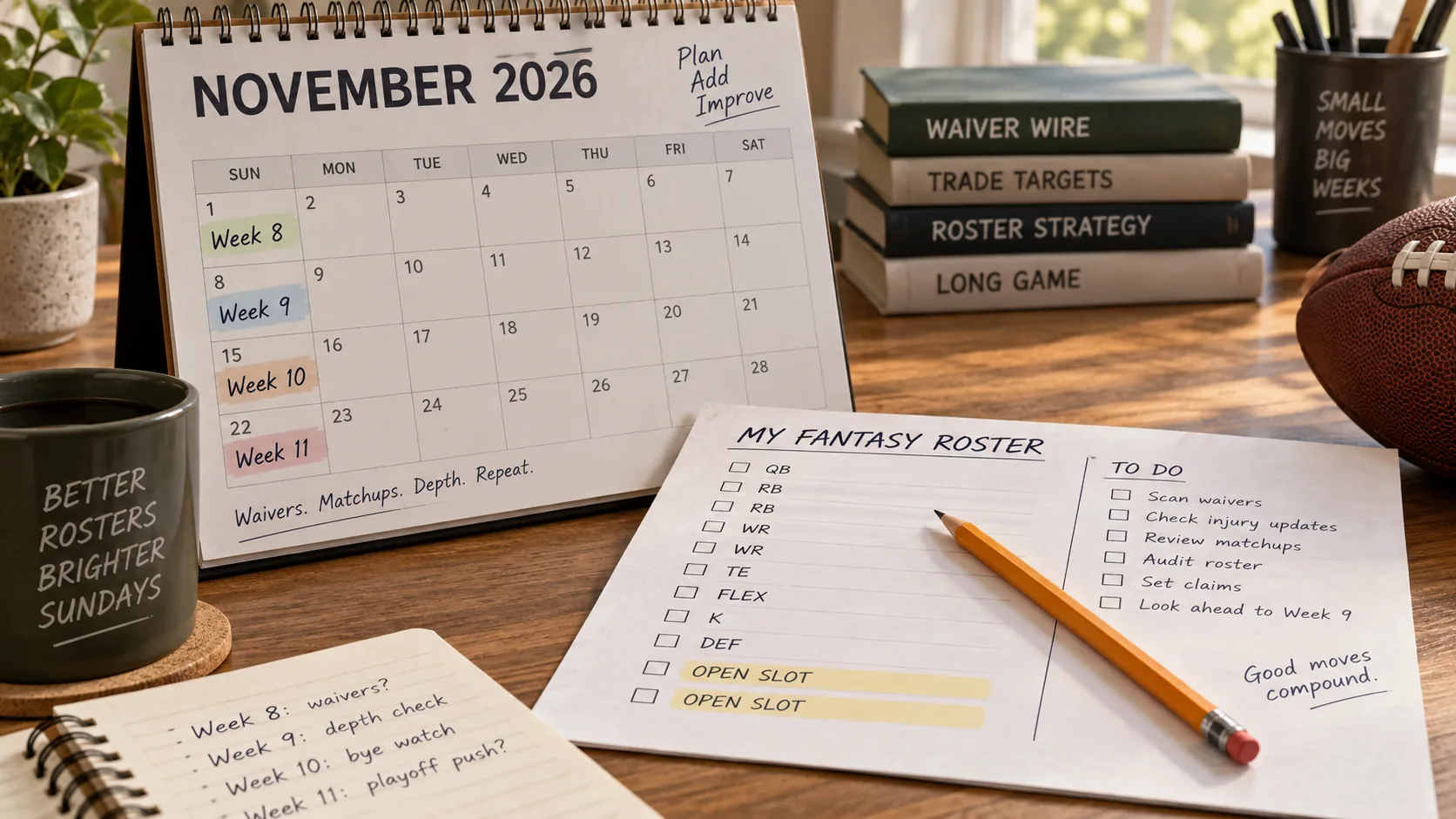
Do the first audit while Week 8 is still in progress or immediately after it ends. This is a planning pass, not a demand to make a premature transaction. Put the Steelers and Titans players in one list; note which are actual Week 9 starters, which are possible flex choices and which can stay on the bench. Then list legal replacements already on your roster. If a gap remains, compare at least two available players for each position so you are not dependent on winning a single contested claim.
Check the bye-week tracker while you do this. Week 8 has four teams off, and Week 10 will also have four; a free agent who solves Week 9 but disappears in Week 10 may create an immediate second problem. Record your league's claim order or budget balance, transaction maximum and any rules governing dropped players. Decide which bench player you would cut before pressing Add, so the cost of a short-term pickup is clear. If you have enough eligible bench cover, keeping your waiver resources may be more valuable than making an unnecessary move.
Recheck roles and injuries after Week 8
Revisit the shortlist once Week 8 games finish and Week 9 practice reports begin. A candidate who had a large role earlier in the season may have lost work; a player who appears newly useful may owe that production to an injured teammate whose status changes again. Use the NFL's current injury reports and team announcements for availability, then inspect recent game usage and your fantasy platform's eligible positions. Do not treat a September depth-chart label as a final Week 9 start decision.
Finally, set the lineup with enough time to correct an invalid move. ESPN's lineup help explains that player moves must fit eligible positions and are subject to the team's game-time restrictions. Other leagues may lock the whole roster at the first game of the week. Because Week 9 begins on a Thursday under the published schedule, a Thursday lock may arrive before most Sunday players play. Confirm that each replacement is in the intended active slot, not merely on the bench, and revisit the current schedule if a game detail changes.
How do the surrounding bye weeks change the plan?
Week 9 is the quietest point in a four-week stretch that gets busier again. The NFL's official 2026 list puts four teams on bye in Week 8, two in Week 9, four in Week 10 and six in Week 11. A manager who thinks only about replacing a Steelers starter for one week may miss the larger roster problem approaching immediately afterward. Look at the full bye-week tracker for your own players, then mark every starter who is due to rest during this span.
| Week | Teams on bye | Practical fantasy check |
|---|---|---|
| Week 8 | Texans, Saints, Giants, 49ers | Keep any useful replacement who also fills a Week 9 need; review the roster after games finish. |
| Week 9 | Steelers, Titans | Cover only the starting slots you actually lose; avoid unnecessary roster churn. |
| Week 10 | Bears, Broncos, Eagles, Buccaneers | Check whether the proposed Week 9 pickup will itself be unavailable next week. |
| Week 11 | Falcons, Browns, Packers, Rams, Patriots, Seahawks | Prepare for the season's only six-team bye on the official list; bench depth may matter more here. |
Consider a hypothetical team with one Steelers starter in Week 9 and two Eagles starters in Week 10. If a waiver option can fill the Week 9 vacancy and remain useful in Week 10, that option has more roster value than an equally strong one-game rental that you immediately have to drop. Conversely, do not keep a clearly weaker Week 9 starter solely because he has a game in Week 10. Your weekly matchup still matters. The useful distinction is between a short patch and a player who can solve a sequence of lineup gaps.
Week 11's six-team break is another reason to preserve flexibility. Six teams off can thin the waiver pool and affect many fantasy starting lineups simultaneously. It does not mean you should hold an unproductive reserve for five weeks just in case. It means that, when two candidates are otherwise close, the one with a credible continuing role and compatible bye calendar may be the better addition. The bye table helps you see availability; current usage, injuries and your scoring rules still decide quality.
When is a trade or bench stash better than a one-week stream?
A one-week stream makes sense when the Steelers or Titans bye creates a single temporary hole and a credible player is available at a modest cost. A bench stash can be better when a reserve has a real role for several weeks and helps cover another bye soon afterward. A trade belongs in a different category: it should improve the roster beyond one Week 9 matchup. Paying a season-long asset to replace one game from a Pittsburgh or Tennessee starter is usually a disproportionate response unless it also fixes a lasting weakness.
Use three questions. First, how many starts do you expect from the incoming player after Week 9? Second, what do you give up—a bench spot, a waiver priority, part of a free-agent budget or a useful trade asset? Third, can the transaction finish before your lineup locks? NFL Fantasy's help center notes that free-agent additions land on the bench and trades can have a review period; its custom leagues can change several settings. A deal offered late in the week may not help your upcoming matchup, even if both managers agree.
Suppose your team loses one Tennessee receiver for Week 9 and already has a healthy, eligible receiver on the bench. Starting that reserve is the simplest solution. Suppose instead your only usable quarterback is on bye in a two-QB format and the waiver pool lacks confirmed starters. A trade or an earlier stash may be justified, but compare its longer-term cost before moving. In both examples, check future byes on the 2026 bye-week calendar so that a solution for Week 9 does not become a problem in Week 10 or Week 11.
Week 9 bye week questions answered
The short answers below cover the questions most likely to affect a last-minute lineup check. For the latest opponents, kickoff times and any schedule updates, use the live pages instead of relying on an early-season snapshot.
Do the Steelers and Titans score fantasy points in Week 9?
The Steelers and Titans have no Week 9 game on the official 2026 schedule, so their players produce no Week 9 game statistics to turn into ordinary fantasy points. You may still keep a bye player on your fantasy roster. The problem is leaving that player in a starting slot when an eligible active substitute is available. Confirm how your own platform displays bye players and scoring, especially if your league has unusual custom rules.
Is a Week 9 bye the same as an injury designation?
No. A bye is a scheduled team break; an injury status is separate information reported through the NFL and fantasy platforms. Do not assume a bye player can be placed in an injured-reserve slot simply because he is not playing. Check your league's reserve eligibility, and use current practice and game-status reports for a player who also has an injury concern. The simplest Week 9 action is usually to move the bye player to your bench and start an eligible replacement.
Where can I check the current Week 9 schedule?
Open the 2026 NFL Week 9 schedule for the current matchup list, kickoff times, TV information and timezone tools. The bye-week page shows which clubs are off across the season. The NFL's own Week 9 page is another direct schedule check. Revisit the listings near the game because dates, times or TV assignments can be updated. For fantasy, the final step is still in your league app: make sure every intended replacement is eligible, active and placed in the correct starting slot before it locks.
Comments