The Fastest Reliable Way to Follow an NFL Game Live
The quickest dependable setup is simple: open the official NFL app or the game?s NFL.com Game Center for the primary score and drive view, then keep ESPN Gamecast available as a second source if you want another play log. Start on our NFL games today page to identify the matchup and scheduled kickoff, but move to a true live tracker once the ball is in play. NFL-Schedule.com is not a second-by-second play-by-play service.
Do not confuse a live score tracker with a live video stream. A tracker can show the score, clock, possession and recent plays without carrying the broadcast. Watching the game still depends on its network, your market and your subscription. Use our NFL TV schedule guide to identify the channel or streaming service, then use a score app when you cannot watch every snap.
| Your goal | Best first screen | Why |
|---|---|---|
| Check every game quickly | NFL Scores or the NFL app | The official scoreboard groups the day?s games and links each matchup to its Game Center. |
| Follow one game snap by snap | NFL Game Center or ESPN Gamecast | Both organize the score around drives, plays, statistics and game events instead of forcing you to refresh a schedule page. |
| Watch the broadcast | The listed broadcaster or authorized streaming service | Video availability follows separate local, national and subscription rules. |
A practical rule is to choose one source as the ?truth screen? and avoid reacting to tiny differences between apps. Data providers can post a scoring play, penalty reversal or clock correction at slightly different moments. If a score looks wrong, wait for the next update and check the official Game Center rather than repeatedly switching among unofficial widgets.
Live Score vs. Play-by-Play vs. Drive Chart: What Each One Shows
These views describe the same game at different levels of detail. A live score is the fastest overview: team totals, quarter, game clock and usually possession. Play-by-play is the event log, recording each snap and administrative event in sequence. A drive chart groups those plays by possession, making it easier to see where a team started, how far it moved, how long it held the ball and how the series ended.
| View | Best question it answers | Typical details |
|---|---|---|
| Scoreboard | Who is winning right now? | Score, quarter, clock, status and possession indicator. |
| Play-by-play | What happened on the latest snap? | Down, distance, field position, gain or loss, penalties, timeouts and scoring events. |
| Drive chart | How productive was that possession? | Starting and ending field position, plays, yards, possession time and result. |
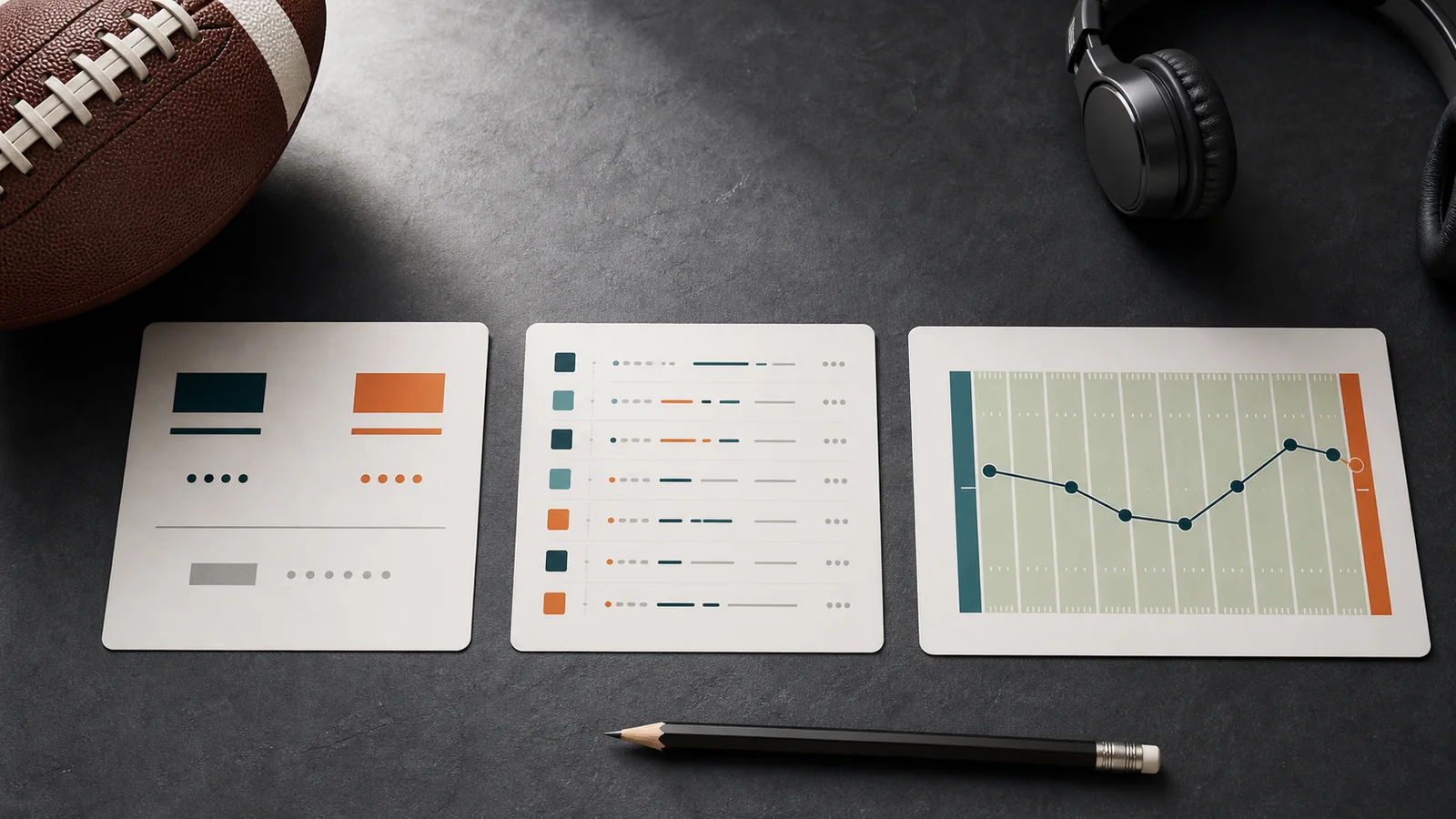
A drive chart is often the clearest view when you join late. Instead of reading 25 individual entries, you can see that one team went three-and-out, the opponent answered with a long touchdown drive and the next possession ended in a turnover. Open the play log only when you need the exact third-down conversion, penalty or scoring sequence.
Remember that a live event log is provisional. A replay review, accepted penalty or official statistical correction can alter the result or wording. The final NFL Game Book is the more complete postgame record, while a live tracker is optimized for speed. Our data status page explains a different issue: how often this site synchronizes schedule and result data.
How to Use the NFL App and NFL.com Game Center
The official NFL app is the most direct mobile option for scores, highlights, statistics and drive charts. On a desktop browser, NFL.com?s Scores page serves the same discovery role: choose the season and week, find the matchup, then select Explore Game to enter its Game Center. The exact labels can change as the interface evolves, but the underlying workflow is consistent.
- Confirm the matchup. Check the date, teams and kickoff time on the NFL schedule this week. This prevents you from opening a preseason or previous-season result with the same opponents.
- Open the game, not just the league scoreboard. The scoreboard is ideal for scanning many games; Game Center supplies the possession and game-detail views.
- Read scoring drives first. If you missed part of the game, this filter explains how the score changed without making you scroll through every punt and short gain.
- Switch to all drives or the play log. Use the deeper view to inspect turnovers, fourth-down decisions, penalties and field-position swings.
- Use stats and highlights for confirmation. A box score shows production totals, while a clip shows the actual scoring play. Neither replaces the chronological play log when you need to reconstruct a possession.
The NFL?s current app documentation describes up-to-the-minute scoring, in-game highlights and drive charts. That does not mean every piece of video is an unrestricted live stream. NFL+ and NFL+ Premium benefits?including eligible live games, ad-free highlights and replay formats?have separate subscription, device and location rules. You can still use the official score and game-detail experience without assuming that tapping a game will unlock its broadcast.
Tip: If you are checking a close finish, keep the Game Center open for a minute after the clock reaches zero. Reviews, end-of-game penalties and statistical corrections may cause the first displayed result to be refined.
When ESPN Gamecast Is a Useful Second Screen
ESPN Gamecast is useful when you want a second presentation of the same game. ESPN?s scoreboard links into Gamecast, box score, highlights and play-by-play views, and its play log can be filtered between all plays and scoring plays. That makes it particularly helpful when the broadcast is in a commercial break, when you are following several fantasy players or when you need to catch up after stepping away.
Best uses
- Scan the quarter-by-quarter score and top performers.
- Filter the play log to scoring events for a rapid recap.
- Cross-check down, distance or a recent penalty when another app appears delayed.
- Move between Gamecast, team stats and the box score without leaving the matchup.
Important limits
- No public tracker can guarantee an identical update time on every play.
- A live description may change after replay review or a scoring correction.
- A Gamecast page is not proof that the game?s video is available to stream there.
- The final NFL Game Book remains the better official postgame reference.
Use ESPN as a complement, not as a reason to keep five tabs competing for your attention. If its line differs from NFL Game Center, check whether one page has registered a timeout, penalty or review that the other has not yet reflected. During the game, the sensible answer may be to wait for the next official update. After the game, use the Game Book when exact scoring, possession or statistical detail matters.
Once you have finished with one matchup, return to the full NFL game slate to see which contests are still in progress or coming up next.
What NFL-Schedule.com Updates?and What It Does Not
Important: NFL-Schedule.com refreshes schedule, status and score data every six hours. It is not a second-by-second live scoreboard and does not provide live play-by-play. If a page shows a game as ?Live,? that label reflects the latest completed synchronization and may be hours behind the action on the field.
The site is designed first for schedule planning: finding opponents, dates, kickoff times, TV listings, venues and matchup pages. The games-today page can show the most recently synchronized status and score, while the weekly schedule is useful for planning the full slate. Neither page should be your only source when you need the current down, clock or possession.
Use this site for
- Checking scheduled matchups, kickoff times, channels and venues.
- Seeing the latest synchronized scheduled, in-progress or final state.
- Returning after a game for a final score and available postgame detail.
- Reviewing data freshness and source checks on the data status page.
Do not use it for
- Second-by-second scores, game clock or possession.
- Snap-by-snap play descriptions or instant drive updates.
- Alerts for injuries, penalties, replay reviews or scoring changes.
- Watching or listening to a live broadcast.
After a game is final, an individual matchup page may offer substantially more context when the underlying summary data is available: quarter-by-quarter scoring, player leaders, team statistics, scoring plays, drive summaries and matched highlights from trusted NFL or sports channels on YouTube. These elements are gated to completed games and depend on available source data. They should be understood as a postgame review, not as a live feed.
The safest workflow is to use the NFL schedule hub to plan, use NFL Game Center or another established live tracker during the game, and then return to the matchup page for the synchronized final result and available recap material.
Where to Find Official Highlights, Replays and Game Books
Once the game ends, choose the format that matches the question you are trying to answer. The NFL?s official Game Highlights hub and a matchup?s Replays & Highlights tab are the quickest places to look for visual clips. Availability and timing can vary, so do not assume that every clip or full replay is immediately unlocked simply because the final score is posted.
- Use official highlights for the turning points. Start here when you want scoring plays, turnovers, major catches or a short visual recap. Highlights show what the play looked like, but a curated package may omit routine possessions and clock-management details.
- Use NFL+ Premium replays for the game itself. NFL?s current plan documentation lists full-game replays, condensed games and All-22 Coaches Film under Premium. A condensed replay is intended to fit the game into less than 45 minutes, while All-22 is the tactical angle for studying formations and coverage. NFL+ is a U.S. product, and subscription and supported-device rules apply.
- Use the NFL Game Book for the record. Open the completed matchup?s Game Center, go to the Recap and look near the bottom for the Game Book PDF. NFL says it contains every score and stat. Game Books commonly organize team statistics, scoring, possessions and play-by-play into one official postgame document.
These formats complement rather than replace one another. If you want to know why a touchdown stood, watch the clip and then read the surrounding play entries. If you want to understand how a defense created pressure, use the full replay or All-22. If you need the final scoring sequence, drive totals or an official statistical reference, use the Game Book.
Keep the postgame product separate from the live telecast. The network or service on our NFL TV guide carries the scheduled game; highlights and replays have their own timing, plan and device conditions.
A Five-Minute Game-Day Tracking Workflow
You do not need a complicated dashboard to follow an NFL game well. Set up the following workflow before kickoff, then use progressively deeper views only when the game gives you a reason.
- Minute 1: verify the game. Open today?s NFL slate and confirm the teams, kickoff time and status. If you want to watch, check the listed carrier against the TV guide. Remember that this site?s status is synchronized on a six-hour cycle, not live.
- Minute 2: open the official tracker. Find the same matchup in the NFL app or NFL Scores and enter its Game Center. Check that the team names and scheduled week match your intended game.
- Minute 3: choose your default view. Leave the league scoreboard open if you are monitoring many games. Use the drive view for one game, and switch to play-by-play only when you need snap-level detail.
- Minute 4: add one fallback. Open ESPN Gamecast only if you want a second screen. A fallback is valuable during a review or correction; several redundant tabs usually create more confusion.
- Minute 5: plan the finish. After the final, watch an official highlight package for the major moments, use a replay when you want the full context and open the NFL Game Book when exact final detail matters.
During the game, glance at the score and drive result rather than reading every line. Dig deeper after a turnover, failed fourth down, long scoring drive or replay review. If your official tracker and fallback disagree, give the feeds time to process the ruling. Do not treat a screenshot taken during a review as a final record.
Finally, check our data status page before relying on a synchronized schedule or result for historical comparison. It exposes freshness information so you can decide whether to use the site for planning now or wait for the next update.
NFL Live Score and Highlight FAQ
What is the best official source for NFL live scores?
Use the NFL app or NFL.com Scores, then open the matchup?s Game Center for drive and game-detail views. The league?s current app also advertises up-to-the-minute scoring, drive charts and in-game highlights.
Does a live score page include the live game video?
Not automatically. Score tracking and video rights are separate. Live video depends on the network, market, device and subscription. NFL+ offers eligible local and national games on phones and tablets in the U.S.; other games may require the listed broadcaster or Sunday Ticket.
Where can I find an NFL drive chart?
Open the game in the official NFL app or NFL.com Game Center and look for drive or all-drives views. A completed game?s official Game Book also includes possession and drive information alongside its play-by-play record.
Does NFL-Schedule.com provide live play-by-play?
No. The games-today page can display the latest synchronized status and score, but updates run every six hours. It cannot reliably show the current snap, clock or possession. Check data status for freshness information.
What is the best source for the final official game record?
Use the NFL Game Book linked near the bottom of the completed Game Center Recap. NFL says the PDF contains every score and stat. Pair it with official highlights or a replay when you also need visual context.
Comments